A Comprehensive WordPress Development Tutorial: Building Your Dream Website
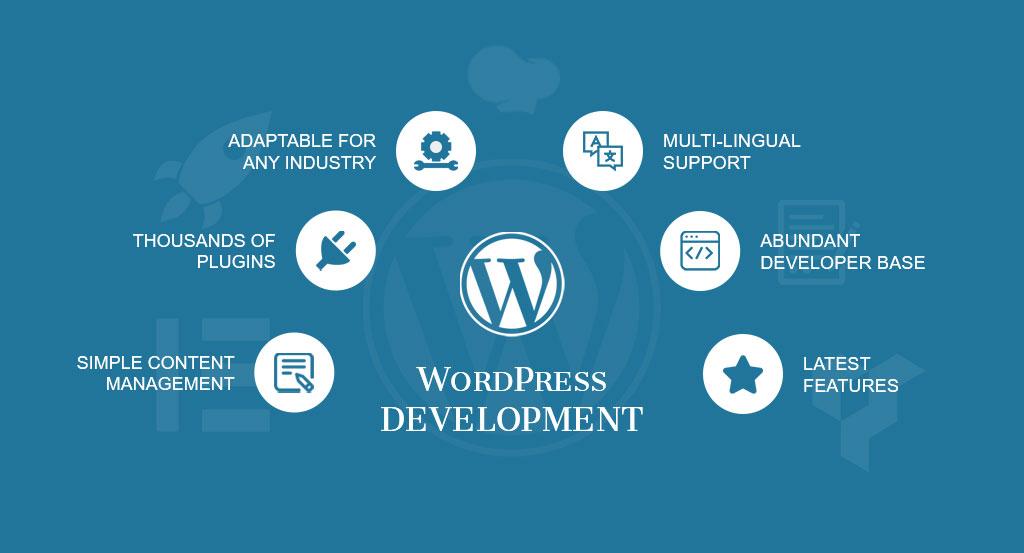
In the digital age, having a strong online presence is essential for individuals and businesses alike. Whether you're a seasoned developer or a complete beginner, WordPress provides an excellent platform to create stunning and functional websites. This comprehensive WordPress development tutorial will guide you through the process of building your dream website from scratch.
Chapter 1: Getting Started with WordPress
Before you dive into the technical aspects, let's understand what WordPress is and why it's so popular. WordPress is a powerful content management system (CMS) that allows you to create and manage websites with ease. There are two main options: WordPress.com and WordPress.org. The former is a hosted solution, while the latter provides more flexibility by allowing you to host your website on your own server.
To get started, you'll need a domain name and web hosting. Choose a domain that reflects your website's purpose and is easy to remember. Web hosting is like renting space on the internet to store your website's files.
Chapter 2: Installing WordPress
Installing WordPress is easier than you might think. Many web hosts offer one-click installation, which streamlines the process. Alternatively, you can opt for manual installation by downloading the WordPress files from wordpress.org and uploading them to your server. During installation, you'll need to set up a database, which will store your website's content.
Chapter 3: Navigating the WordPress Dashboard
Once you're logged in, you'll encounter the WordPress dashboard. This is your website's control center, where you can manage everything from content creation to design. Familiarize yourself with the dashboard's main features, including the menu on the left that provides access to posts, pages, media, and more.
Chapter 4: Choosing and Installing a Theme
Themes define your website's appearance and layout. WordPress offers a wide range of free themes, each catering to different styles and purposes. You can install a theme directly from the WordPress dashboard. However, for a unique and professional look, consider investing in a premium theme from third-party marketplaces.
Chapter 5: Essential Plugins for Functionality
Plugins are like apps for your WordPress website. They enhance its functionality by adding features and tools. Start with essential plugins like an SEO plugin to optimize your website for search engines, a security plugin to protect against threats, and a caching plugin to improve site performance.
Chapter 6: Creating Engaging Content
Now it's time to start creating content. WordPress differentiates between posts and pages. Posts are ideal for dynamic content like blog articles, while pages are suited for static content like your About or Contact page. Use the Gutenberg block editor to create visually appealing content with various blocks for text, images, videos, and more.
Chapter 7: Mastering Gutenberg Block Editor
The Gutenberg block editor revolutionizes content creation in WordPress. It's a block-based system that enables you to create complex layouts without coding knowledge. Experiment with different blocks to create multimedia-rich pages that captivate your visitors.
Chapter 8: Customizing with HTML and CSS
If you want to take customization to the next level, you can add your own HTML and CSS code. Custom CSS allows you to tweak your theme's design without altering the original files. If you're making significant changes, consider creating a child theme to preserve your modifications during theme updates.
Chapter 9: Optimizing for SEO
Search engine optimization (SEO) is vital for your website's visibility on search engines. Use SEO plugins to optimize individual pages and posts. Craft compelling meta titles and descriptions that encourage users to click on your links in search results.
Chapter 10: Ensuring Website Security
Website security is a top priority. Regularly update your WordPress core, themes, and plugins to patch vulnerabilities. Security plugins can help safeguard your website against common threats. Implement best practices, such as using strong passwords and limiting login attempts.
Chapter 11: Responsive Design and Mobile Optimization
In today's mobile-driven world, responsive design is crucial. Ensure your website looks and functions seamlessly on various devices and screen sizes. Test your site on mobile devices and use responsive design techniques to optimize the user experience.
Chapter 12: Launching Your Website
After refining your content, design, and functionality, you're ready to launch your website. Double-check all your links, media elements, and forms to ensure they're working correctly. Finally, make your website live for the world to see.
Conclusion
Congratulations! You've completed this comprehensive WordPress development tutorial and are now equipped to build your dream website. Remember that WordPress is a dynamic platform, offering endless possibilities for creativity and growth. Continue learning and exploring new features to keep your website fresh and engaging. With the right tools and knowledge, your online presence will flourish, capturing the attention of your target audience.
Start your WordPress journey today and watch your dream website come to life!
Comments
Post a Comment